Let’s dismantle a massive digital side-hustle illusion immediately: the era of throwing a generic, poorly designed “daily planner” onto a crowded marketplace and expecting to wake up wealthy is completely over. If you spend any time browsing entrepreneurial subreddits, remote work forums, or digital marketing spaces across the United States, you will witness immense frustration. Thousands of beginner creators are complaining that their digital storefronts are stuck at zero sales and their organic traffic has completely flatlined.
The digital economy has undergone a severe structural evolution. The internet is flooded with lazy, unedited spam. In response, modern USA consumers have become highly sophisticated. They absolutely refuse to pay for basic, uninspired layouts that they could easily generate themselves for free.
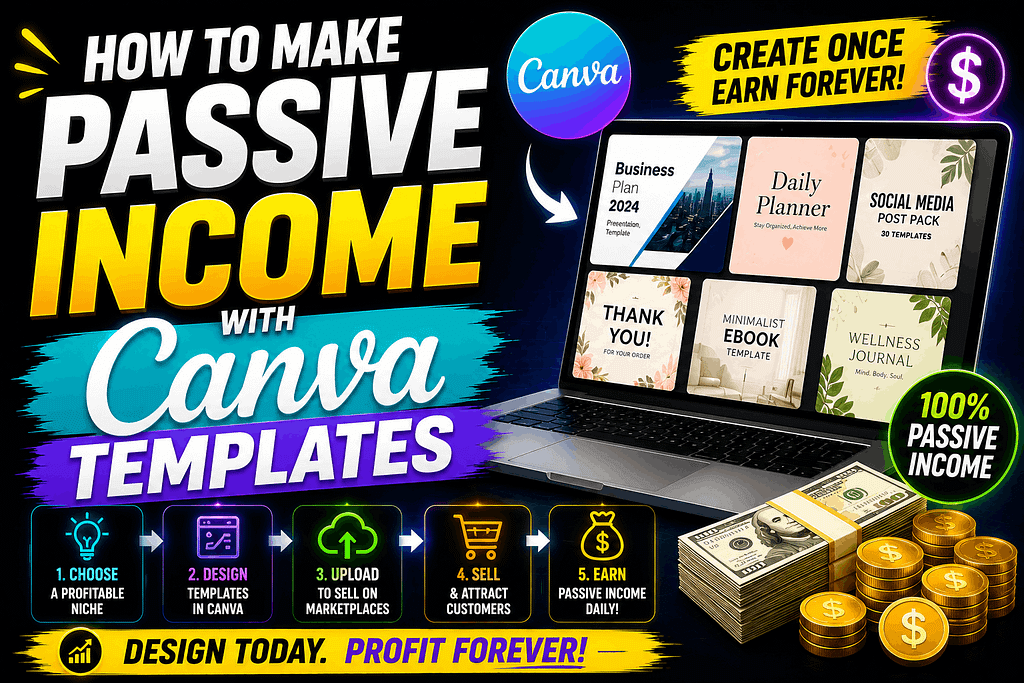
The digital operators who are currently dominating the top-tier sales charts aren’t pushing random, generic shapes. They operate like systems engineers. They identify complex operational bottlenecks for specific industries and build plug-and-play visual solutions. Because the platform’s sharing features are so seamless, learning How to Make Passive Income with Canva Templates remains one of the highest-leverage, highest-margin business models on the internet today. You build the digital asset exactly once, host it on an independent infrastructure, and distribute it to a global consumer base on autopilot.
If you want to cut through the digital noise and build a resilient online income engine, here is the comprehensive, step-by-step roadmap to scaling a Canva template business.
1. Isolate High-Intent, High-Margin Niches
The absolute biggest mistake beginners make is launching a generalized storefront that tries to sell everything to everyone. To secure consistent US traffic and premium pricing, you must target distinct, high-intent communities that actively require digital tools to solve immediate problems. Stop making basic habit trackers and start building professional operational shortcuts.
A. Niche YouTube Channel Branding Kits
Content creators are exhausted by the daily grind of asset production. They desperately need cohesive branding that they can update in seconds.
-
The Execution: Instead of a generic “YouTube Thumbnail,” build hyper-specific aesthetic kits. For example, design an atmospheric, dark academia thumbnail and community post bundle tailored for a lo-fi music channel like Amber Chaos. Alternatively, build vibrant, high-contrast storyboard and thumbnail layouts specifically designed for a 2D animated children’s series like Wonder Wings Adventure. Creators managing these intensive production cycles will gladly pay a premium to bypass hours of visual layout work.
B. B2B Corporate Data Presentation Decks
Small to medium-sized American businesses generate massive amounts of data, but their internal staff usually lacks the graphic design skills to present it effectively to stakeholders.
-
The Execution: Design highly professional, clean presentation templates focused strictly on data visualization. Create specific slide layouts meant to showcase complex findings—such as formatting the results of a comprehensive survey regarding the use of data analytics tools within human resources functions. Selling a plug-and-play corporate slide deck to an HR manager or B2B consultant is an immediate, high-ticket conversion because it saves their team dozens of manual labor hours.
2. The Technical Delivery Loop
Selling a Canva template is different from selling a standard PDF or a flat image file. You are selling a working, editable piece of software access. If your delivery mechanism is confusing, you will instantly receive one-star reviews and massive refund requests.
-
The Template Link: Never share your original working file. Inside your Canva dashboard, you must generate a “Template Link.” This ensures that when the customer clicks the link, Canva creates a completely fresh, duplicate copy in their personal account, protecting your master design from being accidentally overwritten.
-
The Delivery PDF: Customers cannot “download” a link directly from an e-commerce store. You must design a beautiful, branded “Welcome PDF.” This one-page document should contain a warm thank-you message, clear instructions on how to use the asset, and a massive, unmissable button that contains your embedded Canva Template Link. When the user buys your product, they download this PDF, click the button, and are instantly taken to the design.