Work can easily stretch beyond the hours on your calendar. A few emails become dozens, a quick meeting turns into a long list of follow-ups, and simple tasks like writing, organizing information, or preparing reports can take much longer than expected.
The good news is that artificial intelligence is becoming much more useful for everyday employees. You don’t need to be a programmer or an AI expert to benefit from it.
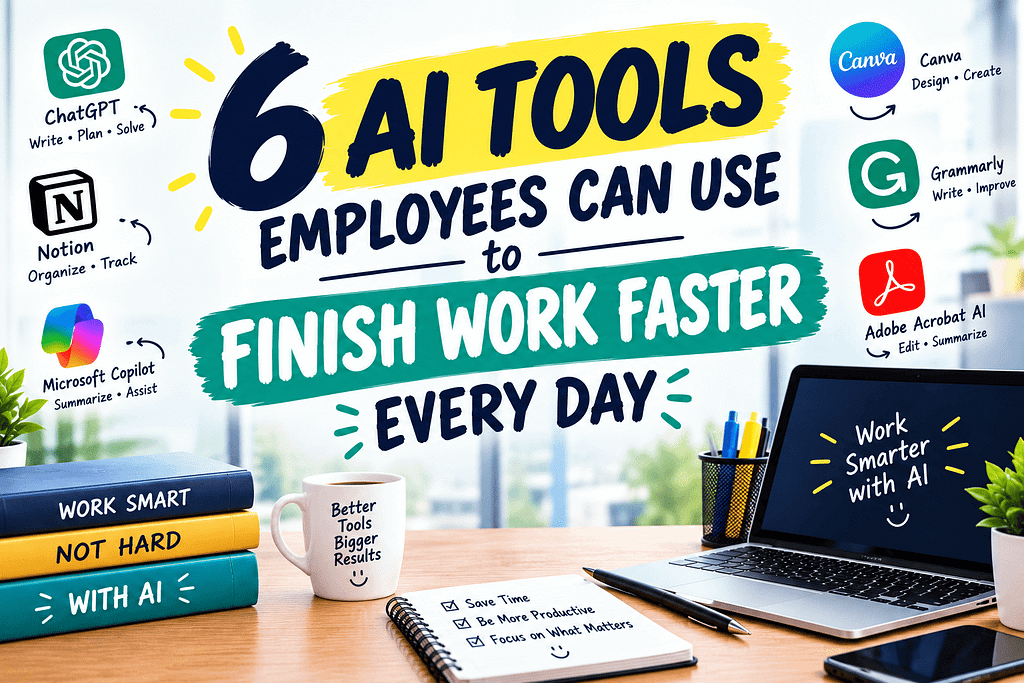
The right AI Tools Employees Can Use to Finish Work Faster Every Day can help reduce repetitive work, organize information, improve communication, and give you more time for tasks that actually require your attention.
Here are six practical AI tools and the types of work they can help you handle more efficiently.
1. ChatGPT for Writing, Research, and Everyday Tasks
ChatGPT can be useful for employees who spend a significant part of their day working with words and information.
Instead of staring at a blank document for 20 minutes, you can use it to create a first draft of an email, organize ideas, summarize information, prepare questions for a meeting, or turn rough notes into a clearer document.
For example, imagine you need to write a professional email explaining a project delay. You can provide the important facts and ask AI to organize them into a polite and professional message. You should still review the final version before sending it, but the first draft can take seconds instead of several minutes.
It can also help with:
- Brainstorming ideas
- Creating meeting agendas
- Summarizing long text
- Explaining complicated topics
- Creating checklists
- Improving grammar and clarity
- Drafting reports and presentations
The biggest benefit isn’t simply generating text. It’s getting past the first-draft stage faster.
2. Microsoft Copilot for Microsoft 365 Work
Employees who already use Microsoft 365 may find AI particularly useful when it is integrated into familiar workplace applications.
Microsoft Copilot can assist with tasks across tools such as Word, Excel, PowerPoint, Outlook, and Teams, depending on the version and organizational setup.
For example, an employee preparing a presentation may spend considerable time turning information into slides. AI assistance can help create an initial structure from existing content.
In Excel, AI can also help users understand data, identify patterns, or work through formulas and analysis. In Outlook, AI features can assist with drafting or summarizing email-related information.
This can be especially useful for employees who spend much of their day switching between Microsoft applications.
Instead of treating AI as another separate application, employees can use it as an assistant inside tools they already know.
3. Grammarly for Faster and Clearer Communication
Emails, reports, messages, proposals, and documents are a major part of many American workplaces.
The problem is that checking every sentence manually can take time, especially when you’re writing quickly between meetings.
Grammarly can help employees improve written communication by identifying grammar issues, spelling mistakes, awkward wording, and tone problems. Its AI features can also help rewrite or generate text depending on the available plan and feature set.
Consider a simple workplace situation: you’ve written an email quickly and aren’t sure whether it sounds too direct. An AI writing assistant can help you adjust the tone while keeping your original message.
This is particularly useful when communicating with:
- Clients
- Managers
- Coworkers
- Customers
- Business partners
- Job candidates
Clear communication saves time for everyone because fewer messages need clarification or correction.
4. Otter.ai for Meetings and Notes
Meetings can consume a surprisingly large portion of a workday.
Even after attending a meeting, employees may need additional time to remember what was discussed, identify action items, and write notes.
AI meeting assistants such as Otter can help by transcribing conversations and creating summaries or identifying important information, depending on the features available.
Instead of trying to write down every sentence, employees can focus more closely on the actual conversation.
Afterward, a transcript or summary can help answer questions such as:
What decisions were made?
Who needs to complete each task?
What should happen next?
This can be particularly useful for remote and hybrid teams where meetings are frequently conducted online.
Employees should always follow their employer’s policies and applicable laws regarding recording and transcription, especially when meetings contain confidential or sensitive information.
5. Zapier for Automating Repetitive Tasks
Some of the biggest productivity gains don’t come from completing tasks faster. They come from eliminating unnecessary manual steps.
That’s where automation platforms such as Zapier can become useful.
For example, imagine a small business employee receives a form submission. Instead of manually copying the information into another system, an automated workflow can potentially move the information between connected applications.
Similar workflows can be created for tasks involving:
- Email notifications
- Spreadsheet updates
- Form submissions
- Customer information
- Project management
- Calendar events
- File organization
The exact automation possibilities depend on the applications and permissions available.
Before creating complicated workflows, start with one repetitive task you perform every week. If you can automate it safely, you may save a few minutes each time. Those minutes can add up over months.
6. Notion AI for Organizing Workplace Information
Modern employees often have information scattered across notes, documents, project pages, meeting records, and task lists.
Notion AI can help users work with information stored in their Notion workspace, depending on the available features and setup.
For example, you might have several project notes and need a quick summary before a meeting. AI can help turn scattered information into a more manageable overview.
It can also assist with drafting documents, brainstorming, summarizing notes, and organizing ideas.
This makes it useful for employees who work on multiple projects and need a central place to manage information.
The goal isn’t to let AI manage everything for you. Instead, it can reduce the amount of time you spend searching, rewriting, and reorganizing information.
How to Use AI Without Creating More Work
AI can save time, but only when you use it thoughtfully.
One common mistake is using an AI tool for every tiny task without checking the result. That can actually create more work because someone still needs to review incorrect information, awkward wording, or missing details.
A better approach is to identify your biggest time-consuming tasks.
Ask yourself:
What do I repeat every day?
What takes longer than it should?
What work requires lots of copying and pasting?
What information do I repeatedly summarize?
Those are good places to experiment with AI.
Also, avoid putting confidential company information, private customer data, passwords, financial information, or other sensitive material into an AI service unless your organization has explicitly approved that workflow.
Final Thoughts
The best AI Tools Employees Can Use to Finish Work Faster Every Day aren’t necessarily the tools with the most impressive features. They’re the ones that solve real problems in your daily workflow.
ChatGPT can help with writing and brainstorming. Microsoft Copilot can assist with Microsoft 365 tasks. Grammarly can improve workplace communication. Otter can reduce the effort involved in meeting notes. Zapier can automate repetitive workflows, while Notion AI can help organize information.
You don’t need to adopt all six at once.
Start with one repetitive task, test whether AI genuinely saves you time, and build from there. Used carefully, AI can become a practical workplace assistant rather than another app competing for your attention.
At Earnify05, the goal is to make technology, money, and productivity easier to understand so you can make better use of the tools already available to you.