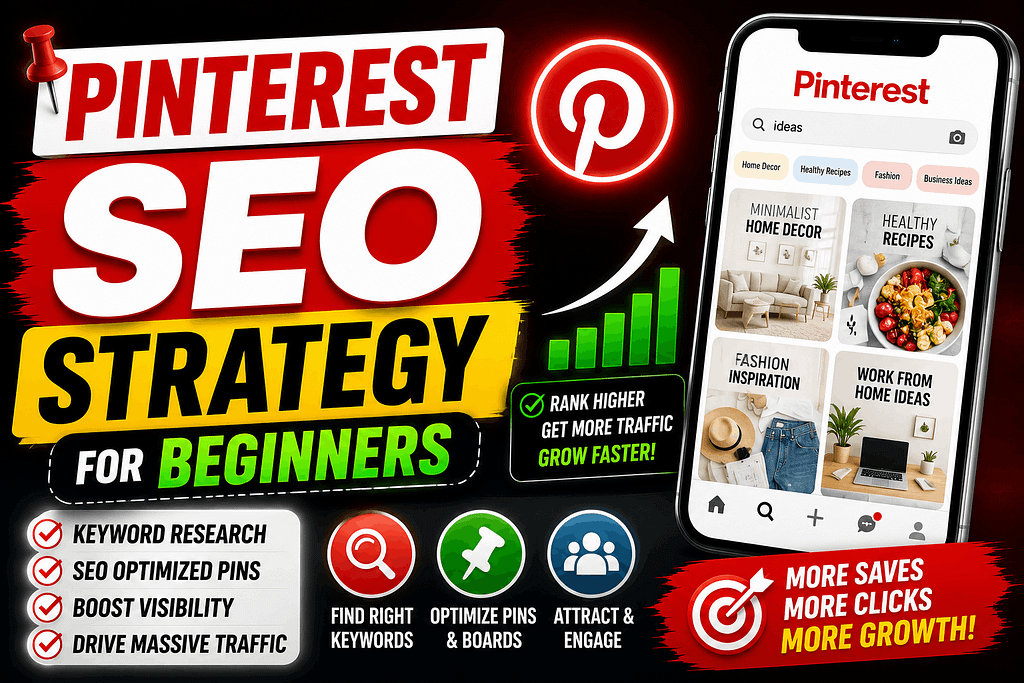
Let’s completely dismantle a massive digital marketing illusion right now: if you are treating Pinterest like a standard social networking app where you scroll through lifestyle updates and chat casually with your friends, you are entirely missing one of the most powerful organic traffic generators on the internet. For digital marketers, e-commerce operators, and content creators across the United States, Pinterest is not a social media channel. It is a highly sophisticated, intent-driven visual search engine.
As we navigate through 2026, building sustainable web traffic has become an absolute grind. Traditional search networks are weighed down by heavy algorithm updates, paid advertising costs on mainstream platforms are skyrocketing, and organic reach on traditional social feeds drops to zero within hours of hitting publish.
The elite solo operators who are quietly funneling millions of high-intent US buyers onto their independent storefronts and blogs aren’t chasing volatile social trends. They treat Pinterest like a structured database. Because pins have an exponential digital shelf-life—frequently driving consistent clicks for months or even years after publication—mastering this platform is the ultimate shortcut to long-term digital leverage. If you want to stop trading your hours for temporary views and build a permanent traffic engine, this is your definitive Pinterest SEO Strategy for Beginners.
1. Establish the Technical Foundation: The Business Layer
The absolute worst way a beginner can start pinning is by using a standard personal profile. Personal accounts lack the essential analytics infrastructure, verification tools, and data tracking modules required to monitor consumer behavior and search trends.
-
The Setup: Transition immediately to a free Pinterest Business Account. This unlock gives you access to the comprehensive analytics dashboard, audience demographic segmentation, and the ability to track outbound clicks specifically to the US market.
-
Domain Verification: Claim and verify your independent website domain inside your account settings. When you verify your digital property, the platform attaches your profile branding to every single pin saved from your site, signaling deep authority to the automated discovery algorithms.
2. Decode the Pinterest SEO Matrix (Keyword Architecture)
Because Pinterest operates strictly as a search tool, your traffic relies entirely on how well you optimize your text metadata. If the algorithm cannot determine exactly what your visual asset represents, it will never surface your pin in user search results or home feeds.
-
Keyword Clustering: Stop guessing what terms your target audience uses. Go directly to the native Pinterest search bar and type in your broad niche. Analyze the predictive, long-tail terms that populate horizontally across the screen. These are the exact phrases being searched by millions of users across the USA.
-
Pin Title Optimization: Your title must feature your primary focus phrase cleanly. If you are writing an educational guide, place the exact phrase Pinterest SEO Strategy for Beginners right at the front of your 100-character title block. Avoid vague, artistic names; give the search bot clear, unambiguous clarity.
-
The Description Layer: You have 500 characters to build context. Write highly descriptive, natural human sentences that weave in three to four secondary semantic keywords. Do not simply copy and paste a row of disconnected search tags; instead, build a cohesive summary that naturally integrates your terms.
3. Board Siloing: Structuring Your Niche
Search engines thrive on context. The board you save a pin to provides massive contextual clues to the Pinterest algorithm regarding what that pin is actually about.
-
The Concept: Do not create generic, random boards like “Cool Things” or “My Blog Posts.” Treat your boards like chapters in a highly structured textbook.
-
The Execution: Use explicit, high-intent keyword titles. If you are running an atmospheric lo-fi music channel like Amber Chaos, name your board “Cozy Lo-Fi Study Aesthetics” or “Dark Academia Backgrounds.” If you are building a tech blog focused on big data, name the board “Data Analytics Tools & HR Systems.”
-
Board Descriptions: Write a detailed, 200-word description for each board, filling it with relevant search terms to help the crawler categorize your niche instantly. When you pin a relevant graphic to a highly optimized board, the algorithmic trust compounds.
4. Visual Engineering: Designing Pins That Force the Click
Pinterest is an intensely visual environment. Your asset is competing against hundreds of other graphics simultaneously on a user’s mobile screen. If your design looks messy, text-heavy, or unreadable, American consumers will scroll right past it.
-
The Dimensional Standard: The platform strictly favors vertical layouts. Always build your graphics using a clean 2:3 aspect ratio (the industry standard is 1000 x 1500 pixels). Horizontal or square images will be shrunk by the interface, rendering your text completely unreadable.
-
High-Contrast Typography: Use bold, heavy fonts for your main text overlay. The title on the graphic should clearly state the immediate benefit to the viewer. For example: “The Ultimate Pinterest SEO Strategy for Beginners.”
-
Visual Relevance: Use high-fidelity, customized graphics or distinct visual settings to catch the user’s eye. If you are promoting a 2D animated story series like Wonder Wings Adventure, use a bright, high-contrast character vector on the pin to immediately capture the target demographic’s attention.