Let’s be brutally honest for a second: most people are treating Pinterest all wrong. They log on, post a few pretty pictures of home decor or outfit ideas, and wonder why their view counter is stuck at zero. They treat it like Instagram’s quieter cousin.
But as we move through 2026, the digital landscape has shifted. With Google’s Search Generative Experience (SGE) changing organic web search and traditional social media networks trapping users inside “walled gardens,” smart digital entrepreneurs are pivoting. They’ve realized a massive truth: Pinterest is not a social media platform. It is a visual search engine.
When a user sits on their couch in Charlotte or Austin and opens Pinterest, they aren’t looking to see what their high school friends are doing. They are looking for inspiration, a solution, or a product to buy. They are typing queries into a search bar.
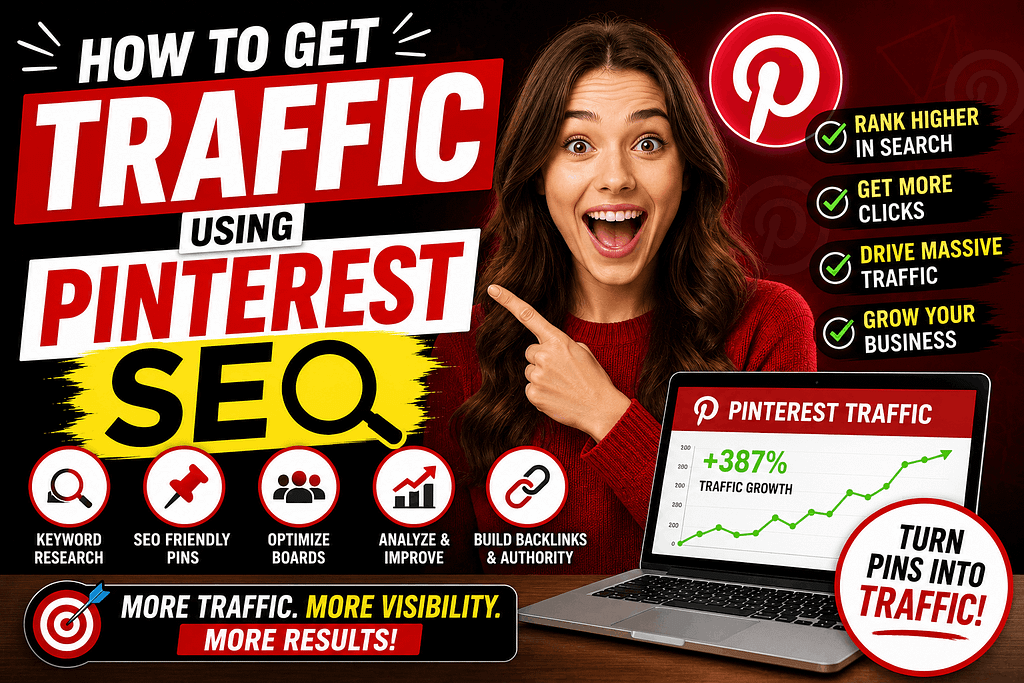
If you know how to talk to that search bar, you can tap into an absolute goldmine of high-intent, US-based traffic. Here is your 1,000-word, no-nonsense guide on how to get traffic using Pinterest SEO without spending a single dime on ads.
1. The 2026 Shift: Understanding the Visual Algorithm
Pinterest’s algorithm doesn’t read a pin the way a human does, nor does it scan it exactly like Google scans a traditional text webpage. In 2026, the platform uses an incredibly advanced multi-modal system that balances three distinct pillars:
-
Textual Metadata: Title, description, board names, and profile keywords.
-
Visual Graphing (AI Lens): The algorithm literally “looks” at the objects, text-on-image, colors, and composition of your pin to categorize it.
-
User Engagement Density: Saves (re-pins), clicks, and close-ups within the first few hours of publishing.
If you want your pins to surface when an American shopper searches for something specific, all three pillars must point to the exact same concept.
2. Step 1: The “No-Tool” Keyword Research Hack
Stop buying expensive keyword tools for Pinterest. The absolute best data comes directly from the source. In 2026, the Pinterest search bar remains your greatest asset.
The Search Bar Prediction Method
Go to the search bar and type in your broad niche—for example, “Passive Income.” Do not press enter. Look at the drop-down menu that appears below. Pinterest is showing you the exact phrases real users are typing right now. You might see:
-
Passive income ideas for beginners 2026
-
Passive income streams without investment
-
Passive income apps for students
These are your long-tail keywords. Copy them down. These exact phrases are the coordinates you will use to map out your content.
3. Step 2: Optimizing Your Account Profile Architecture
You cannot rank a pin if your overall profile looks like a random collection of personal hobbies. Your account needs to scream “Niche Authority” to the algorithm.
-
The Power Title: Don’t just use your name or brand name. Add your primary focus keyword. For instance: Earnify05 | Side Hustles & Passive Income Tips.
-
The Bio Injection: Use your 160 characters to state exactly what value you provide, weaving in secondary keywords naturally. “Helping digital entrepreneurs leverage free AI tools to build scalable side hustles and drive web traffic.”
-
Board Synchronization: When you create a board, give it a clear, search-friendly name. Avoid cutesy titles like “Money Moves 💸.” Use “AI Money Making Methods” or “Side Hustle Ideas.” Write a 2-3 sentence description for every single board packed with your researched keywords.
4. Step 3: Designing the “Visual Hook” (Bypassing the Feed Noise)
Because Pinterest is a visual feed, your SEO means nothing if nobody stops to look. In 2026, the feed is highly competitive, and users scan it at lightning speed on their mobile phones.
The Anatomy of a High-Click Pin:
-
The 2:3 Aspect Ratio: This is non-negotiable. Use 1000 x 1500 pixels. Anything else gets cropped or ignored by the layout engine.
-
High-Contrast Text Overlay: Put your “Hook” directly on the image. Use bold, clean fonts. Avoid sweeping script fonts that the Pinterest AI Lens cannot read.
-
The “Before and After” or “Step” Graphic: Visual progression naturally stops the scroll. Show a chart, a transformation, or a clear list skeleton.
5. Step 4: The Perfect SEO Pin Formulation
When you publish a pin, you are filling out a data sheet for the algorithm. Do not get lazy here.
-
The Pin Title: Put your focus keyword at the very beginning. Keep it punchy. Example: How to Get Traffic Using Pinterest SEO (The 2026 Checklist).
-
The Pin Description: Write this for a human, but optimize it for a machine. Do not just stuff keywords like a robot. Write a helpful paragraph: “Struggling to get eyes on your new blog or digital store? Learn how to get traffic using Pinterest SEO with these three simple profile and pin optimization tweaks designed for the latest 2026 algorithm updates.”
-
The Link Integrity: Ensure your destination link is hyper-relevant. If your pin promises a guide on voice cloning, the link better go directly to that specific article—not your website’s generic homepage. Pinterest tracks user bounce rates; if users click your pin and instantly leave your site, your rankings will tank.
6. Bypassing the AI Slop Filter: The “Human Signature”
Pinterest has become incredibly strict about “automated slop.” If you use an external bot to randomly pin 100 stolen images a day, your account will be shadowed or banned within a week. To protect your traffic stream, you must implement the “10% Human Signature” into your pinning routine:
-
Fresh Over Repurposed: Pinterest wants Fresh Pins (new images, even if they point to an old link). Stop re-pinning the exact same graphic to ten different boards.
-
Manual Pinning Density: While schedulers like Tailwind are fine, try to pin at least one or two pieces of content manually through the phone app or desktop browser every week. The algorithm tracks native user behavior.
-
Human Text Hooks: Avoid cheesy, robotic AI hooks on your graphics like “Unlock Your Destiny Today!” Instead, use pragmatic, human phrasings: “The exact workflow I used to fix my flat traffic curve this month.”
Are you going to build your first optimized Pinterest board around Blogging, Tech Tutorials, or E-commerce this week? Let’s map out your visual keyword strategy in the comments!